
Protecting the photographs, documents, records, memories, and business files that may be difficult or impossible to replace.
Why I Chose GotBackup
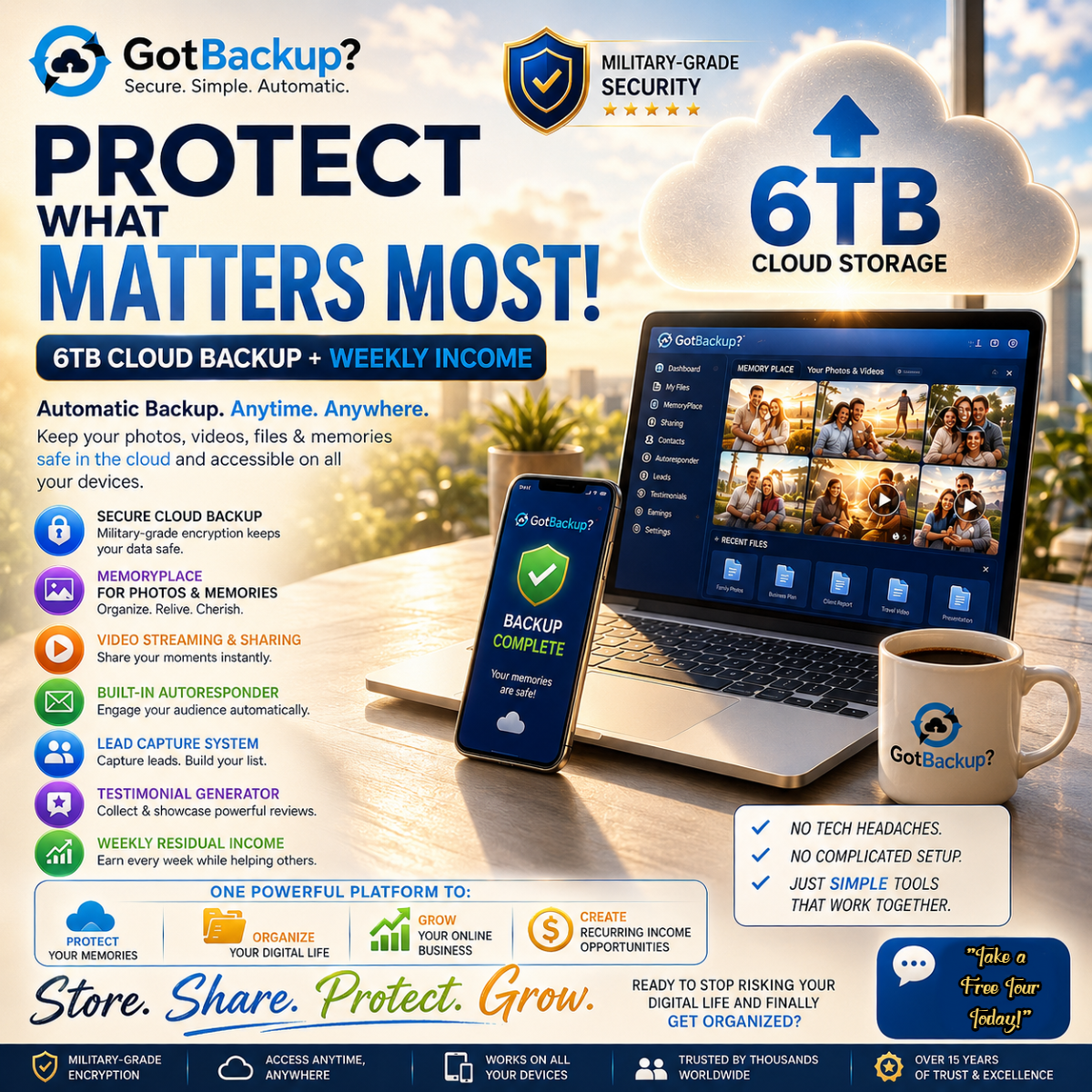
Technology changes quickly, and I am always learning right along with everyone else. What I do know is how valuable our digital information becomes over the years and how important it is to protect it before something unexpected happens.
GotBackup is the cloud-based storage and backup solution I personally chose to help protect my family photographs, personal documents, business records, spreadsheets, website materials, graphics, and other digital information.
There are many backup services available, and what works well for one person may not necessarily be the best fit for another. I am sharing GotBackup because it is the solution I selected for my own files and one I feel comfortable recommending to others who want to learn more.
Before Choosing Any Backup Service
Consider how much information you need to protect, which devices you use, how often your files change, how easily you can retrieve them, and whether the service fits your personal or business needs.
Why Data Protection Matters
Our computers, phones, tablets, and other devices hold much more than files. They often contain years of photographs, family memories, personal documents, financial records, business information, website materials, contact lists, and creative work.
Unfortunately, devices do not last forever. Computers can stop working, phones can be lost or damaged, external drives can fail, and files can be accidentally deleted. Viruses, security threats, fires, floods, theft, and other unexpected events can also place important information at risk.
A backup gives you another copy of your information so that one damaged or missing device does not automatically mean everything stored on it is lost.
Data Storage and Data Backup Are Not Exactly the Same
Data storage is where your files are kept. A backup is an additional copy of those files that can be used if the original is lost, damaged, deleted, or no longer accessible.
Saving a file to only one computer, phone, USB drive, or external hard drive means there may still be only one copy. If that device fails, the file may be lost with it.
What Is Worth Protecting?
Each person will have different priorities, but some of the most commonly protected files include:
- Family photographs and personal videos
- Birth, marriage, tax, insurance, and legal documents
- Business records and financial information
- Customer and contact information
- Website files, graphics, advertisements, and marketing materials
- Spreadsheets, reports, training materials, and written content
- School, employment, and professional records
- Creative projects and other irreplaceable work
Local and Cloud Backup Options
Local Backup
A local backup is stored on a device you physically control, such as an external hard drive, USB drive, or another computer. Local backups can be convenient and may allow you to retrieve files without an internet connection.
Cloud Backup
A cloud backup stores copies of your files away from your computer or mobile device. This can provide added protection if your equipment is lost, stolen, damaged, or destroyed.
Many people choose to use both local and cloud storage. This gives them more than one way to protect and retrieve important information.
Backing Up Files and Organizing Files Are Two Different Jobs
I have personally learned that uploading files is only part of the process. A file may be safely stored, but it can still be difficult to locate later if folders and file names are not organized in a way that makes sense.
Creating clearly named folders, using recognizable file names, removing unnecessary duplicates, and periodically reviewing your saved information can make your backup much easier to use when you need it.
Simple Backup Habits
- Decide which files would be hardest or impossible to replace
- Keep more than one copy of your most important information
- Store at least one copy away from your primary device
- Use clearly labeled folders and file names
- Back up information regularly instead of waiting for a problem
- Make sure you know how to locate and retrieve your files
- Periodically review your backup to confirm important files are included
A Friendly Reminder
No storage or backup method removes the need for good organization, strong passwords, sensible security practices, and regular review. Technology can help protect your information, but it is still important to understand how your files are being stored and how you can retrieve them.